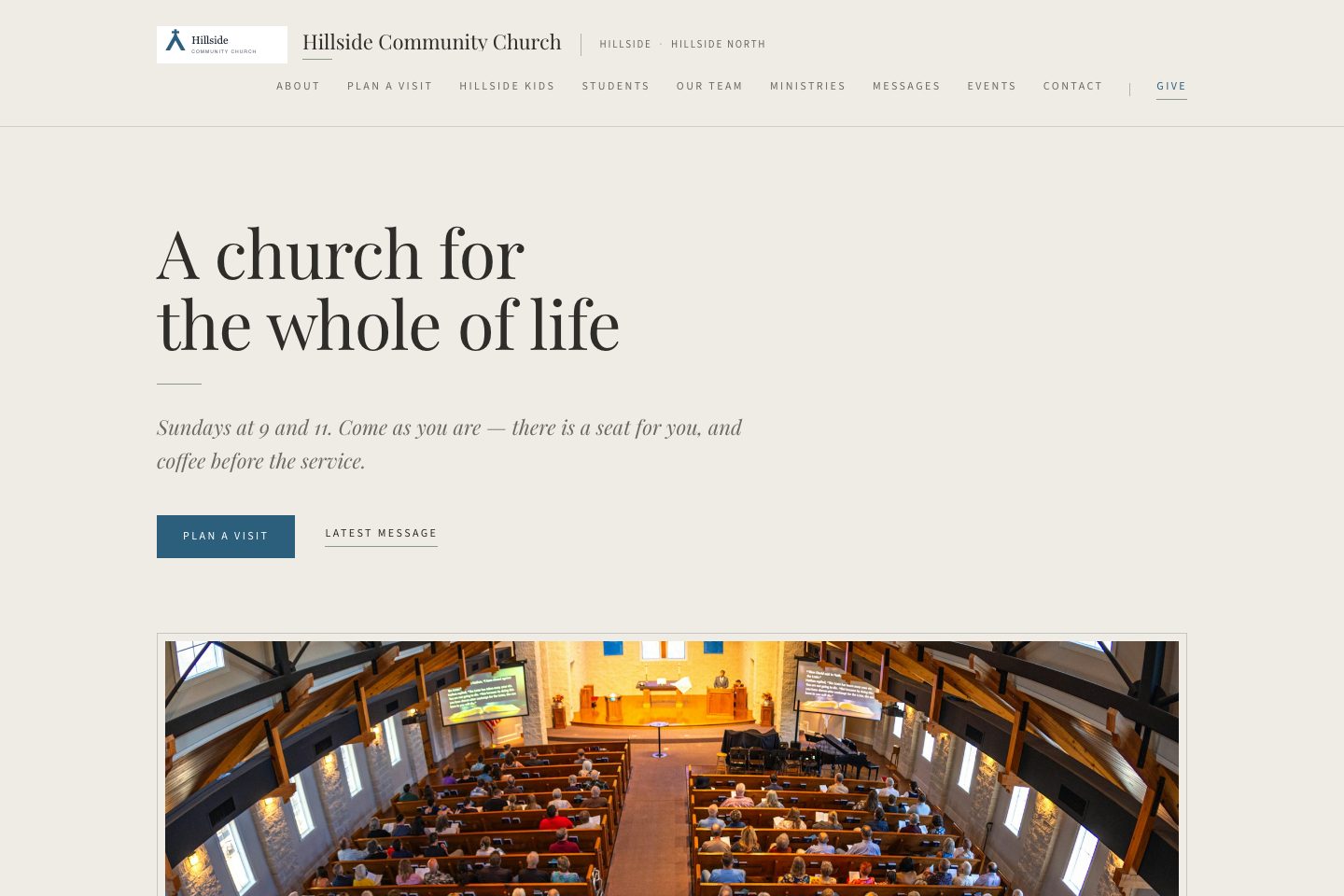
Free church website

Pick a design, answer a few questions, and your church has a website with every page a visitor looks for — service times, Plan a Visit, Watch, Next Steps, prayer, giving — on your own web address if you have one. It stays up to date on its own, because it reads from what your staff already keep in Ministry Planner.

Yes, seriously — it's 100% free.No credit card. No trial that runs out. Free on every plan, including the one that costs nothing.

Three steps. One afternoon.

1

Answer a few questions. Service times, address, a sentence about your church, who is on staff. No blank page, nothing to design.

2

Pick how it looks. Ten templates. Fonts already picked, your church's colour on top. Change your mind later.

3

Publish, then use your own web address. Point gracechurch.org at us with one DNS record. Free on every plan.

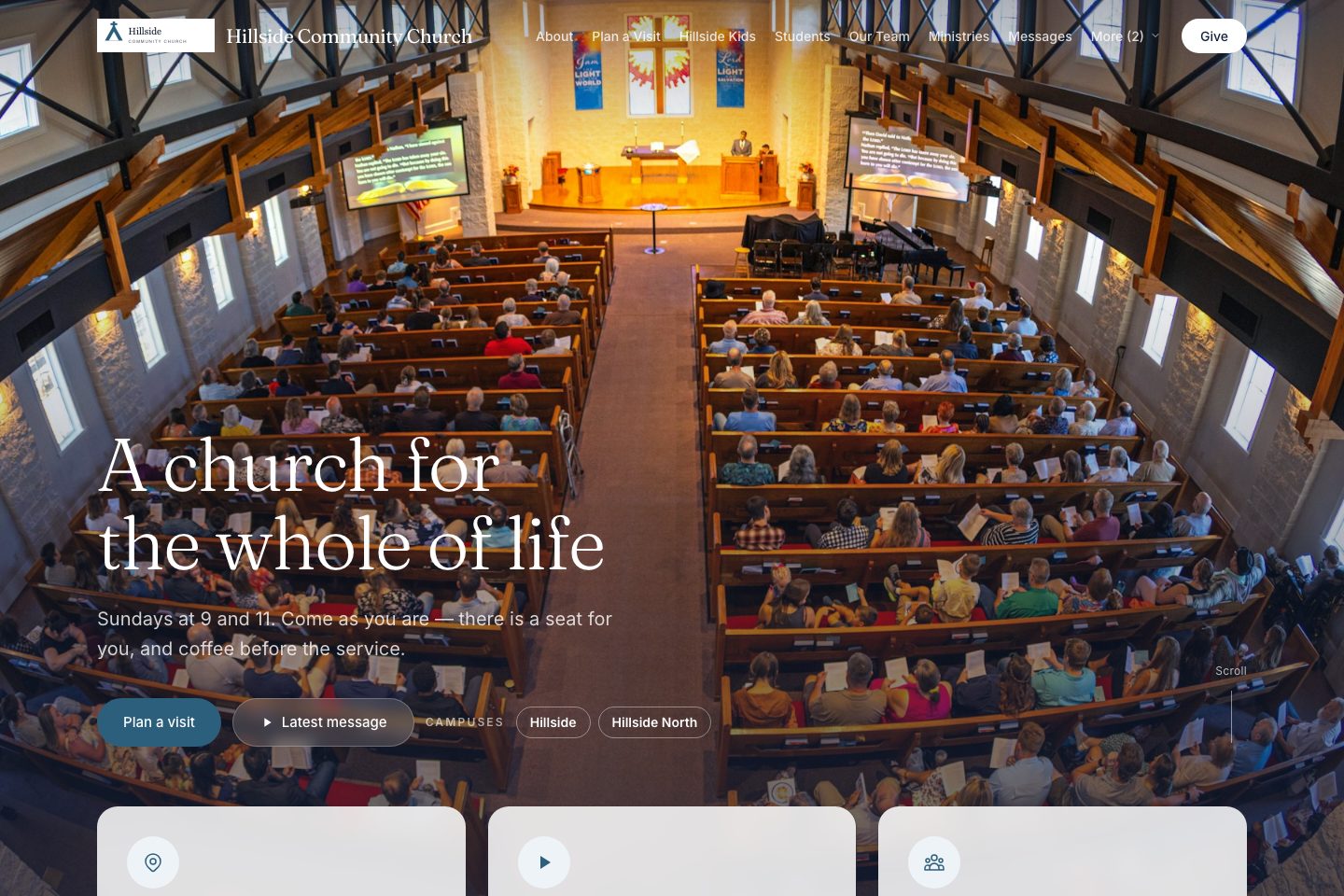
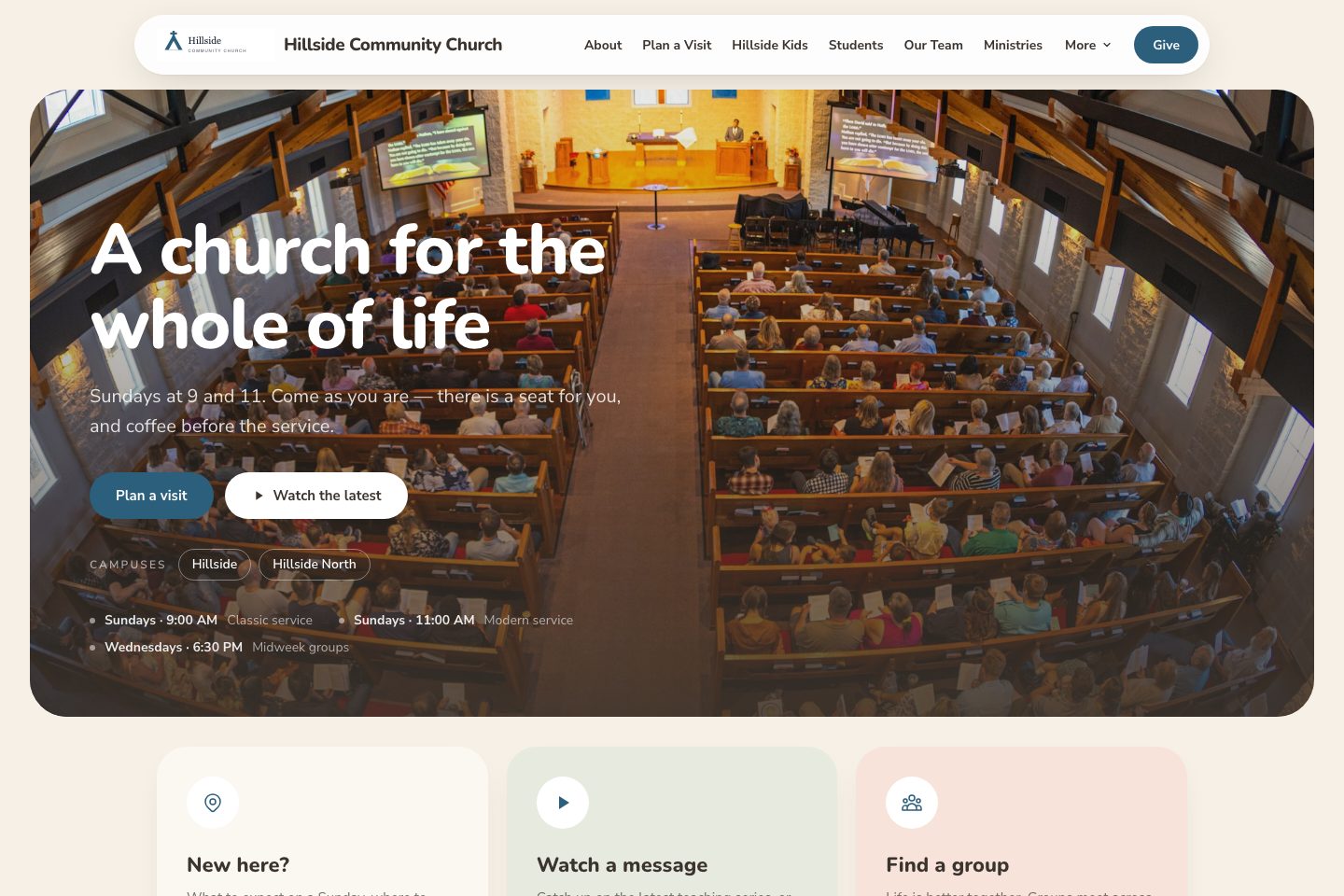
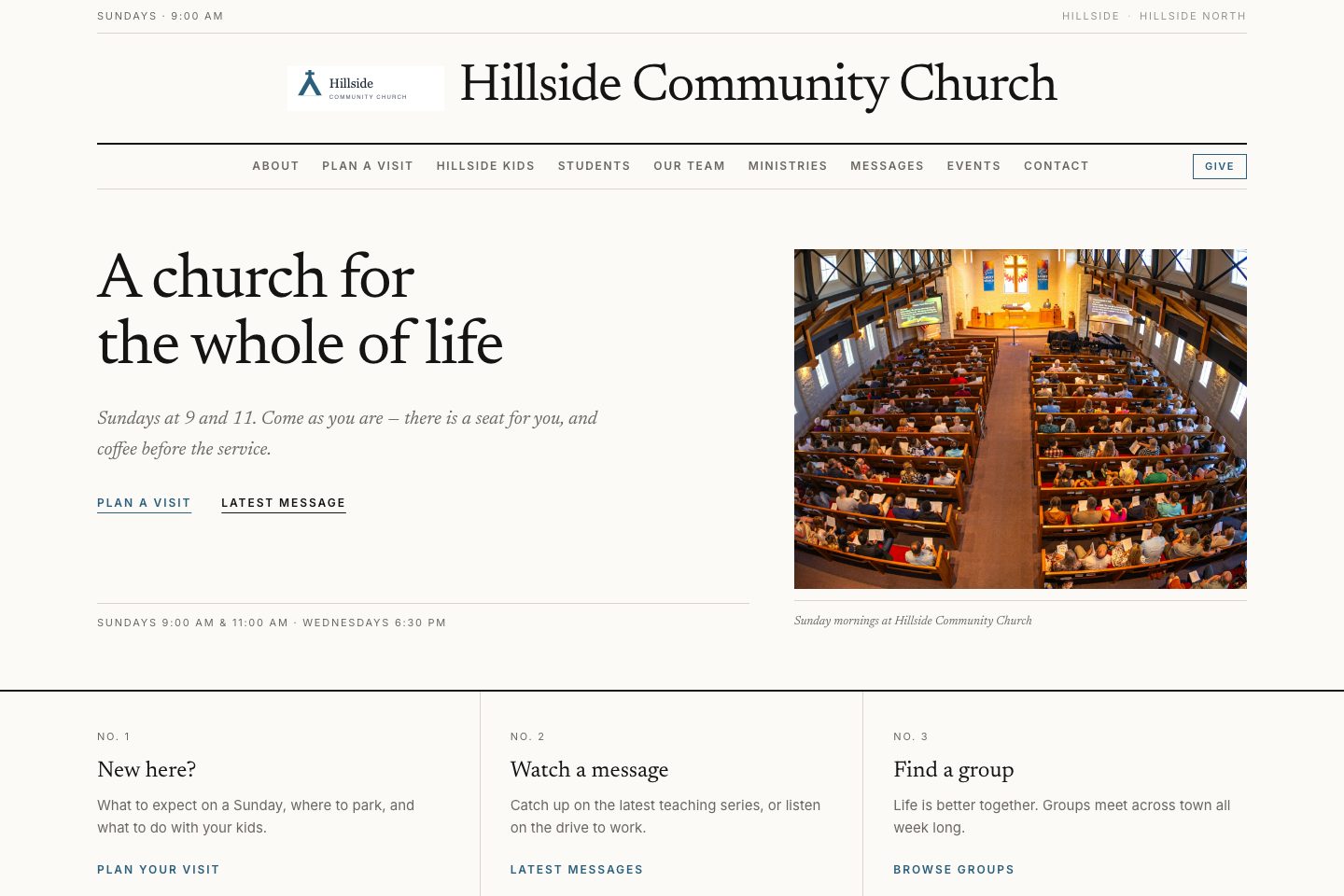
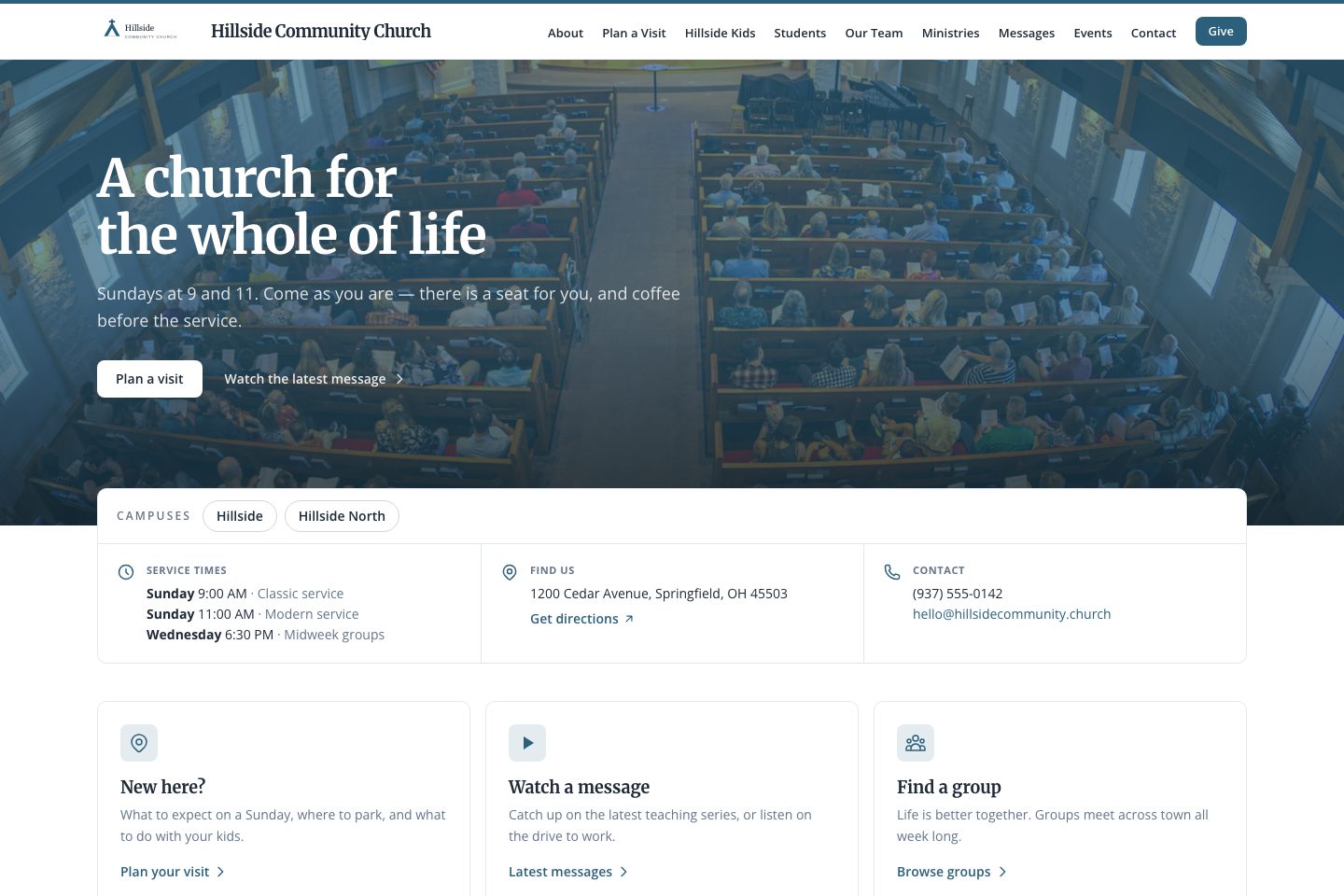
Ten templates. Same site underneath.

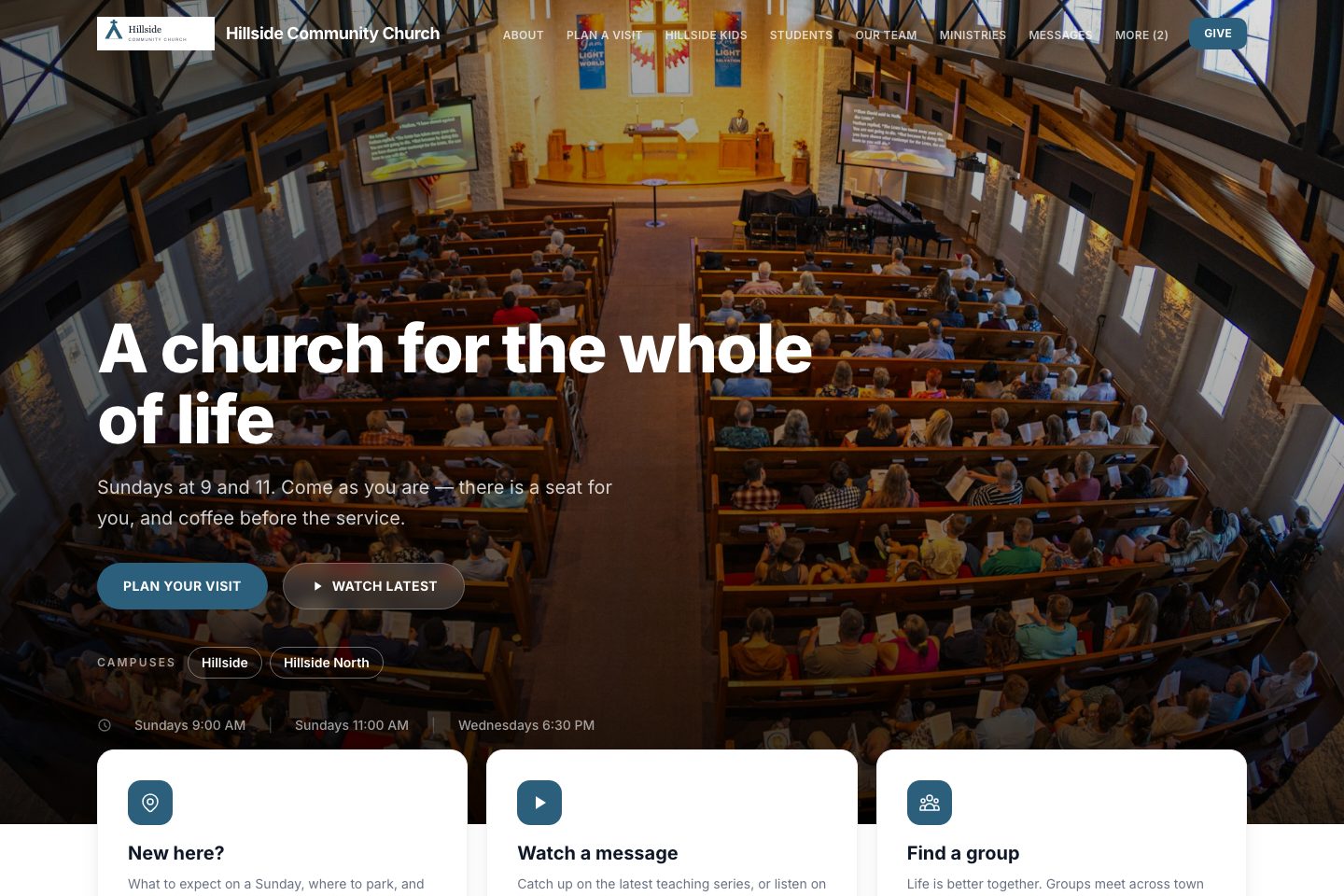
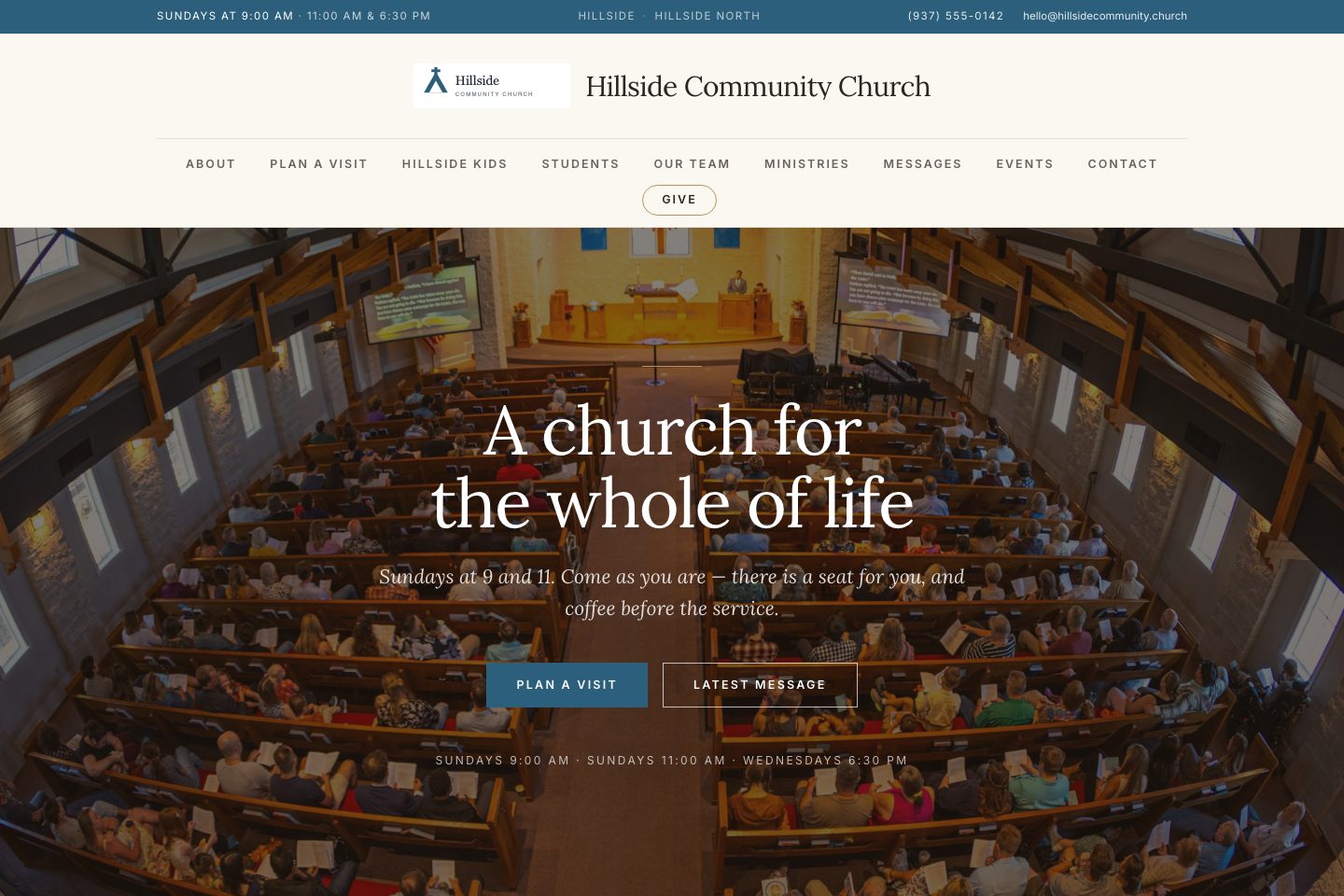
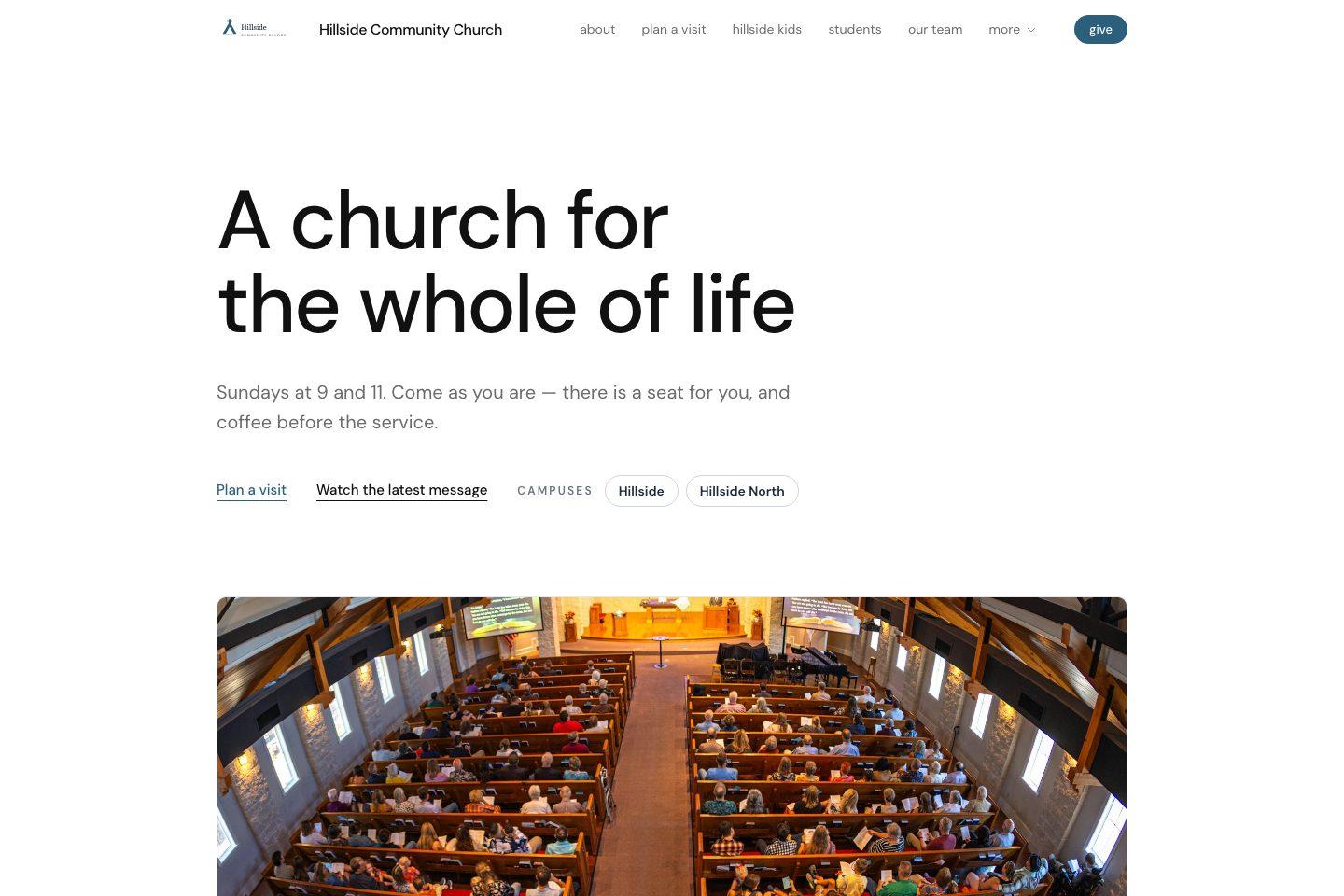
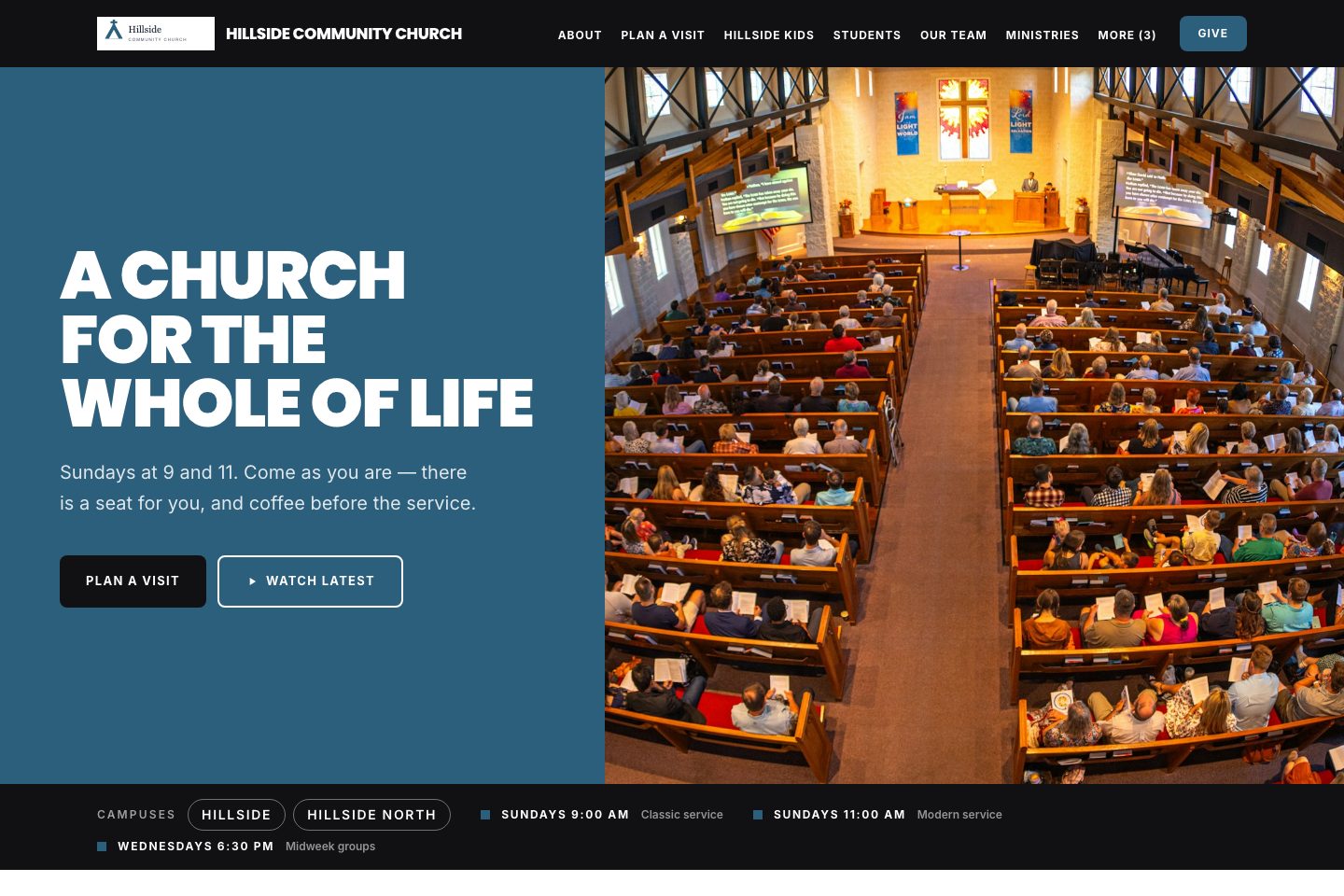
A template only changes how your site looks. The pages, the service times and the Give button are the same in all ten. Pick one now, change it later, and nothing is lost. Click any template to see a working example.

Create your free account

You choose the template after you sign up, and you can change it any time.

No credit card · Free on every plan · Use your own web address

What you get, free

This is the real feature from the Ministry Planner workspace — not a trimmed-down demo.

Your address
Your own web address, for example gracechurch.ministryplanner.church
Or one you already own, like gracechurch.org — free on every plan
Your pages
Home, About, Plan a Visit, Staff, What We Believe, Core Values, Resources, Contact
Next Steps, Prayer, Serve, Baptism, Missions, Questions, Use our building — switch each on when you are ready
Watch, with your livestream and how to watch. News, with its own feed
A Give button that goes to your church's giving page
Always
Ten templates — change yours any time
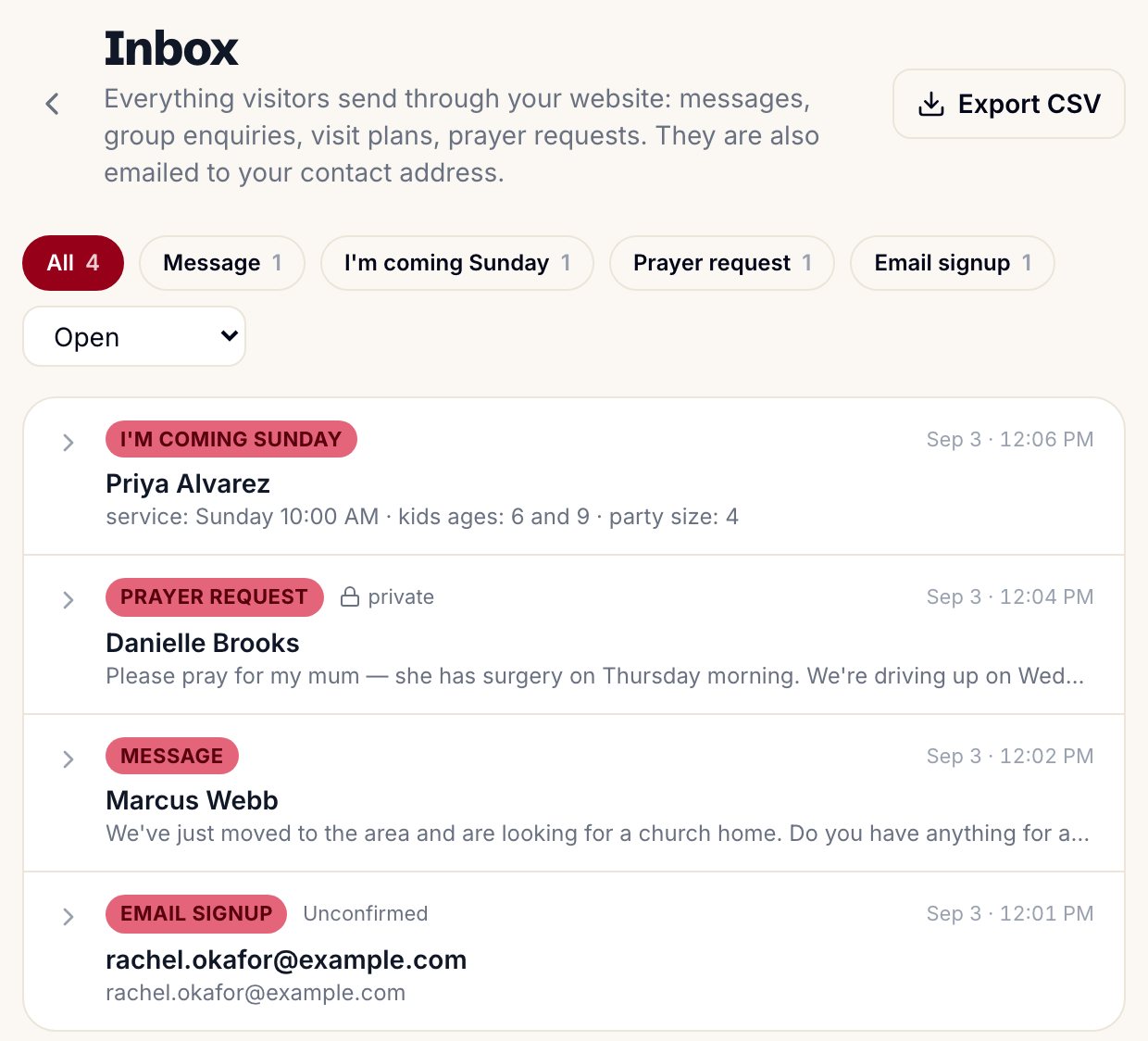
Every form a visitor sends lands in one inbox, and in your email
Email signup in every footer. An announcement bar with a one-click "services cancelled"
Looks right on phones without any extra work
Free on every plan, even if you never pay for anything
01 · Your church siteFree

Everything a visitor asks on the first screen

Someone thinking about visiting on Sunday wants to know when the service starts, where to park, who is preaching, and what there is for their kids. Your site answers all of that before they scroll — and Plan a Visit takes their name, so someone is looking out for them at the door.

Shown: the Modern template.
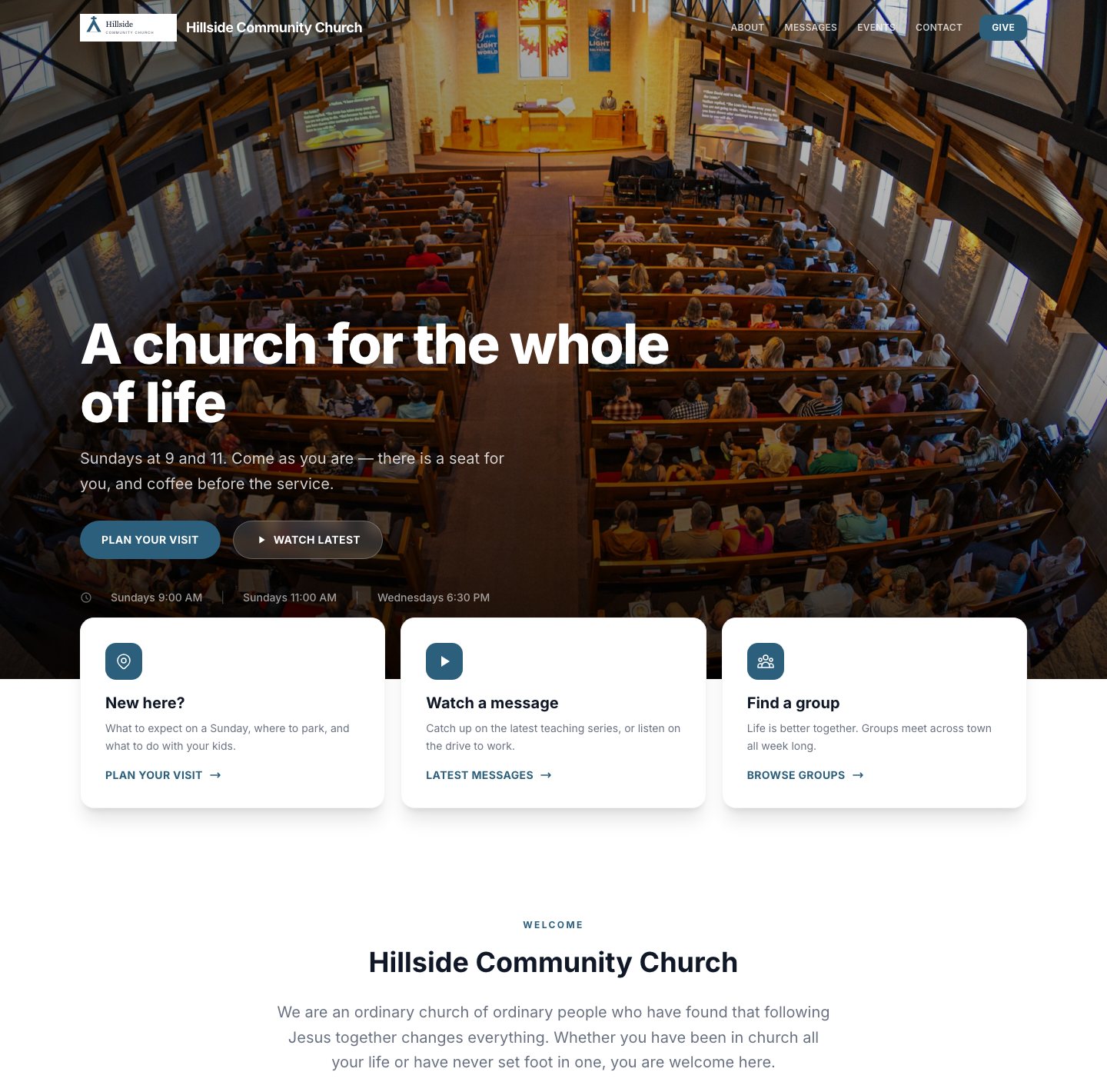
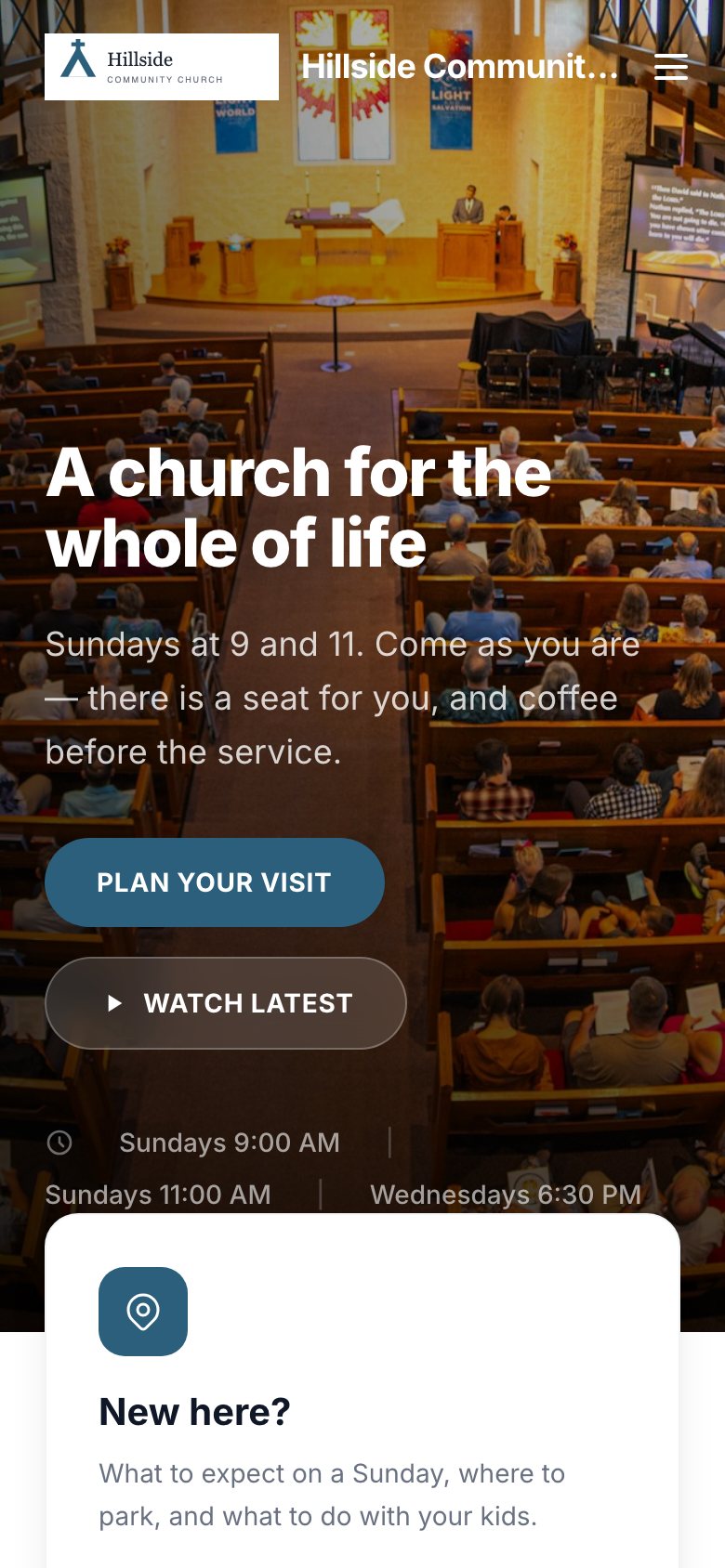
The Modern template's home page for a sample church: a welcome photo with service times, then cards for new visitors, messages and groups
02 · Next Steps and one inboxFree

Every next step, every form, one inbox

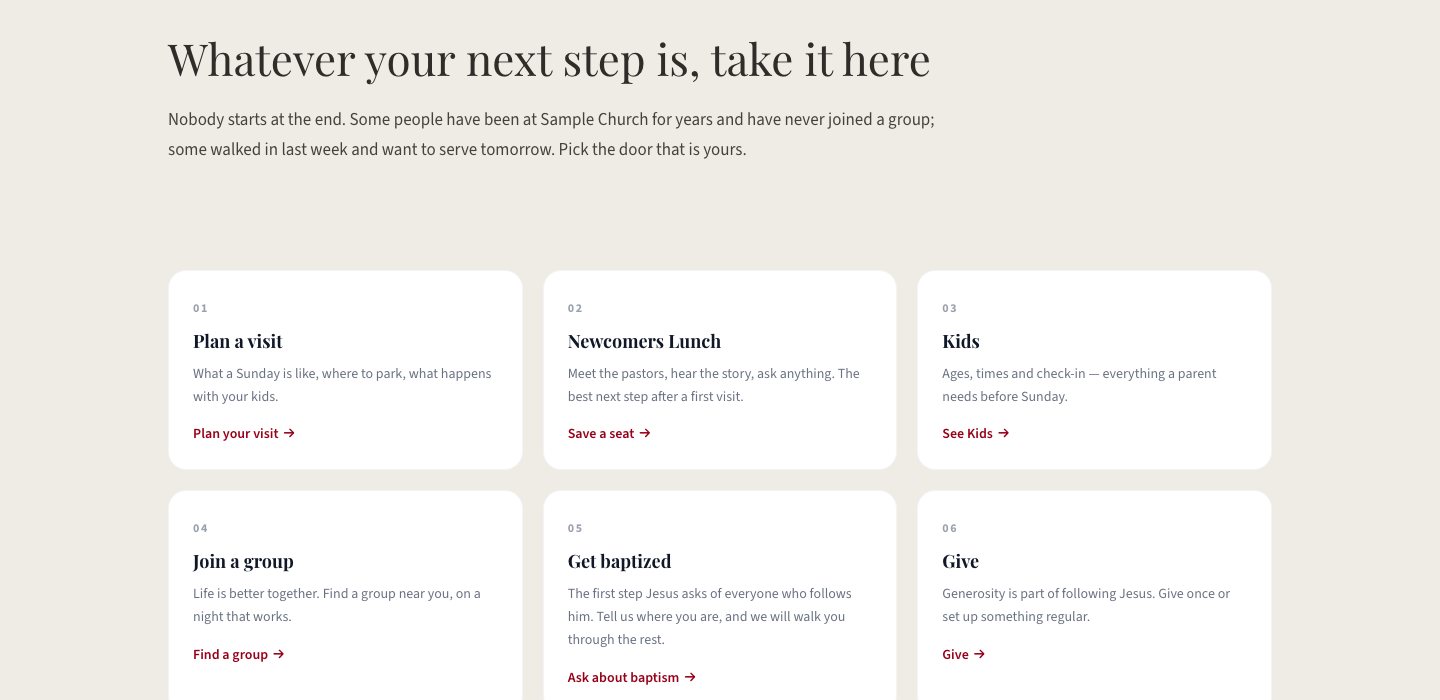
Next Steps is a page of doors — plan a visit, save a seat at the newcomer class, get baptized, join a group, serve, give, ask for prayer — and each door appears only when the thing behind it is switched on. Whatever a visitor sends, from any page, lands in one inbox and in your email, so nothing gets lost.

Prayer requests stay private to your pastors unless the person says otherwise
Mark each one in progress or done; export the list as a spreadsheet
Every form is protected from bots, with nothing for you to set up

Shown: Next Steps in the Chapel template, and Website → Inbox.

A church website's Next Steps page in the Chapel template: six numbered doors — Plan a visit, Newcomers Lunch, Kids, Join a group, Get baptized, Give
Website → Inbox in Ministry Planner: filter chips for each kind of form, and a list of what visitors sent — a family planning their first visit, a prayer request marked private, a message from someone new to the area, and an email signup
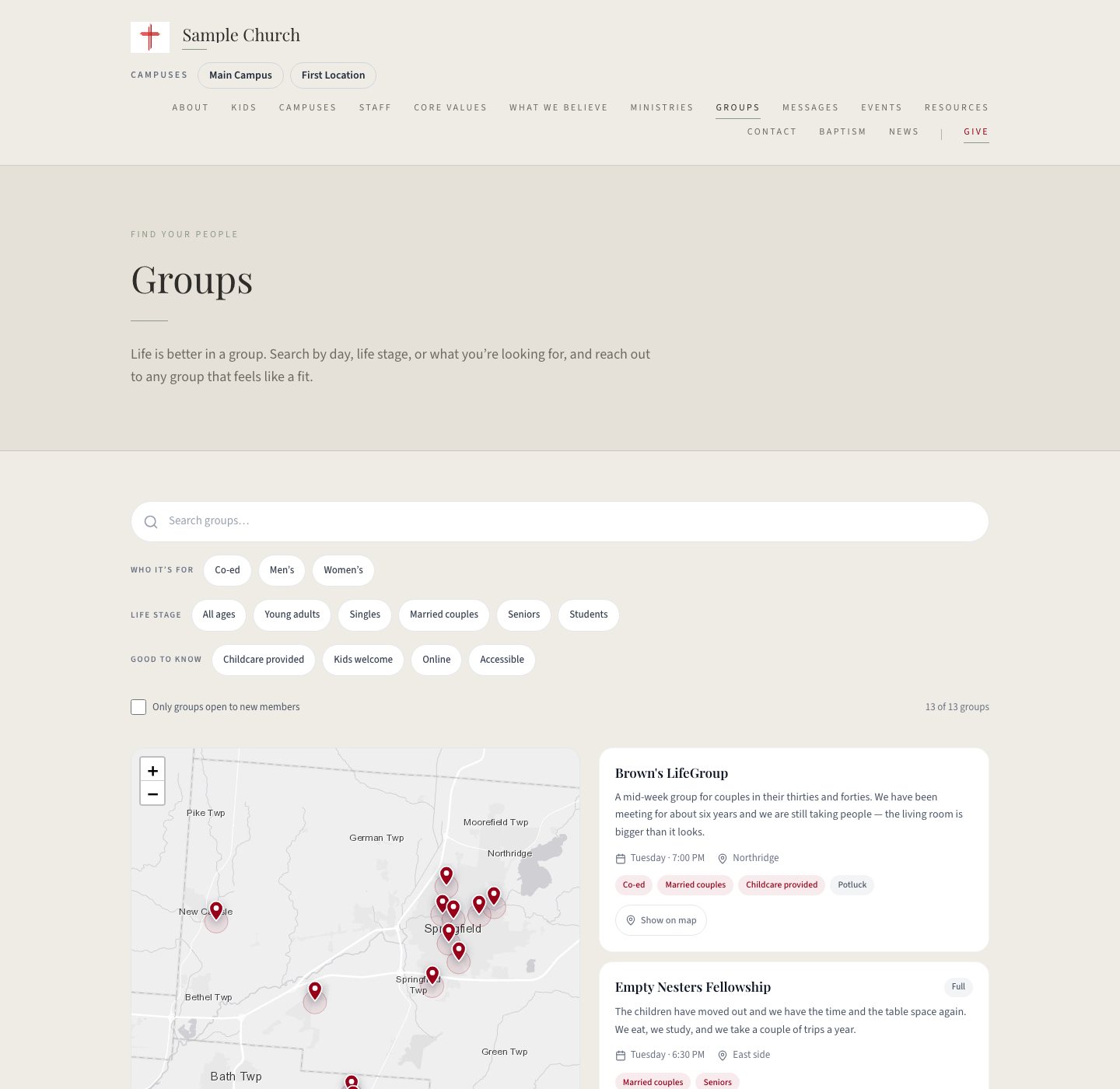
A church website's Groups page in the Chapel template: a search box, filter chips for who it is for and life stage, a map of where groups meet, and cards for each group
03 · Small Group searchPlant plan

A Groups page most churches pay a designer for

Visitors search by day, life stage, or what they are looking for — childcare, online, open to new members. They see where groups meet on a map and send a note to the leader without leaving the page.

Filters and a map, no setup
Takes on your template's look
Fills in from the groups your staff already track

Groups are part of the Plant plan, $9.99 a month for the whole church. The page appears as soon as you turn them on. Shown: the Chapel template.

04 · Online giving100% free

Giving, at your own address

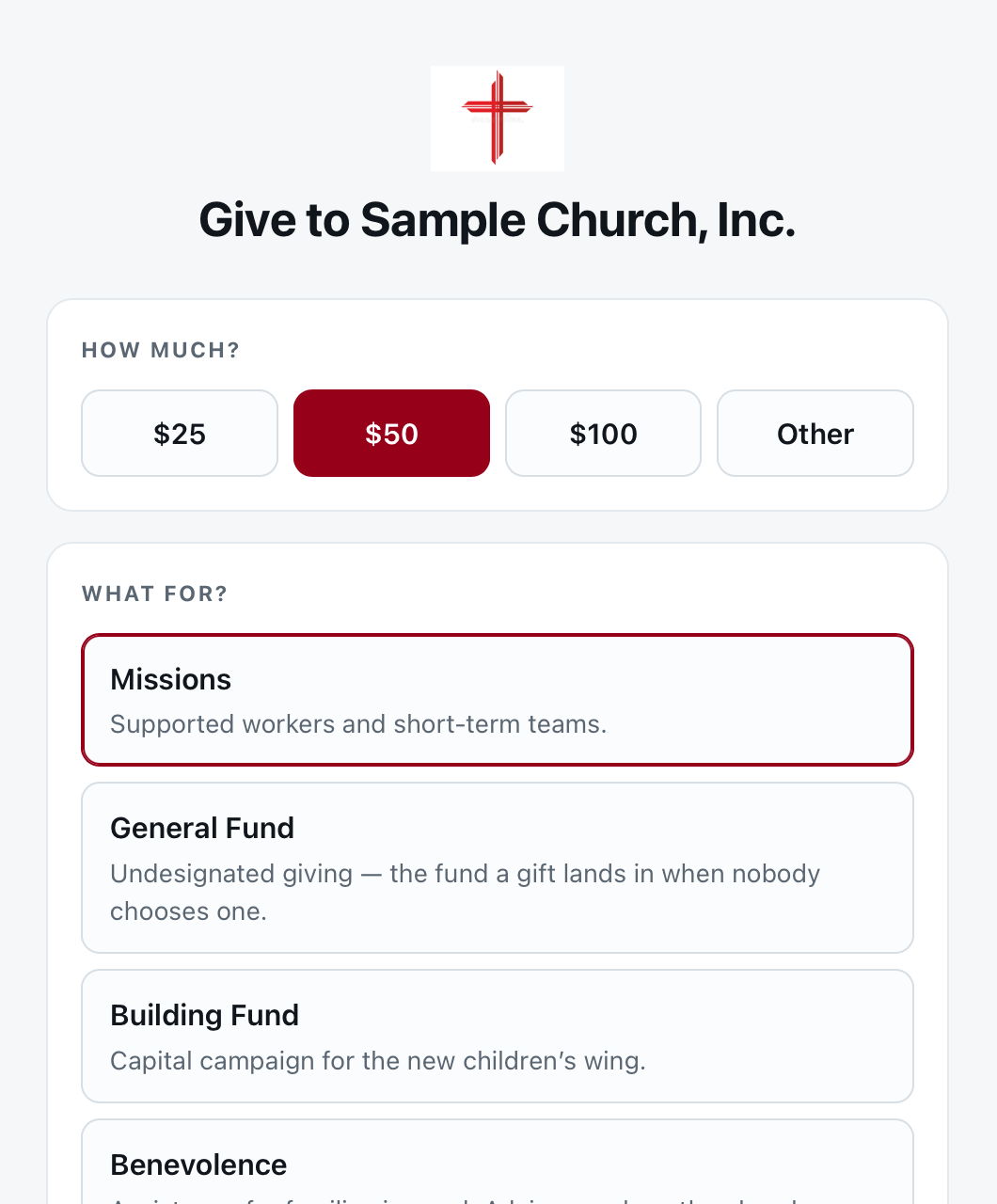
The Give button goes to a giving page in your church's colours, at your web address — not to another company's website. Set a goal on a fund and the give page shows the progress; every fund with a goal also gets a campaign page of its own, with a pledge form. Nothing to buy, no monthly fee.

Missions, General, Building — as many funds as you need
Goals with a progress bar, and a campaign page per fund
Built for a phone screen first

Most people look up a church on their phone, so every template — and the giving page — is built for a phone screen first.

A church's give page in its own colours: amount buttons and a list of funds to give to
The Modern template's home page on a phone: the welcome photo, service times and the first visitor card
Create your free account

Nothing to buy, nothing expires.

The part no other website builder has

The website runs on what your staff already do.

Most church websites go out of date because someone has to remember to update them. Here the site reads from the workspace your staff use during the week: put an event on the church calendar and tick one box, and it is on the website with an RSVP. Set a goal on a fund, and the give page shows the bar. Nothing is typed twice.

01 · Church Calendar → EventsPlant plan

One tick puts a calendar event on your website

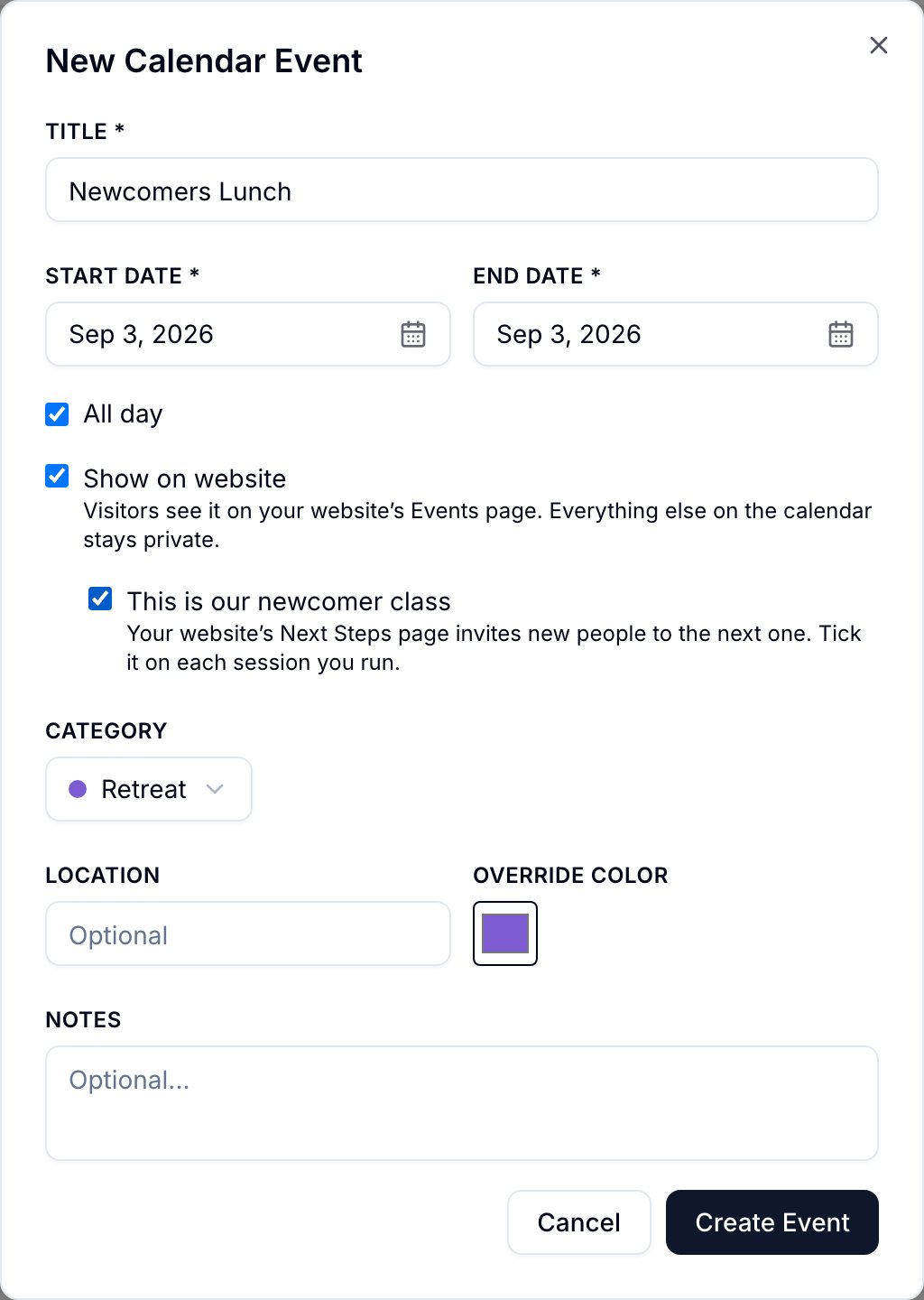
Staff keep the church calendar anyway. Tick "Show on website" on an event and it gets a page of its own with the time, the place, directions and add-to-calendar. Tick "This is our newcomer class" as well, and Next Steps invites new people to save a seat at the next one.

The New Calendar Event form in Ministry Planner with "Show on website" and "This is our newcomer class" ticked
In Ministry PlannerChurch CalendarThe event form, with the two ticks that make it public. Everything else on the calendar stays private.
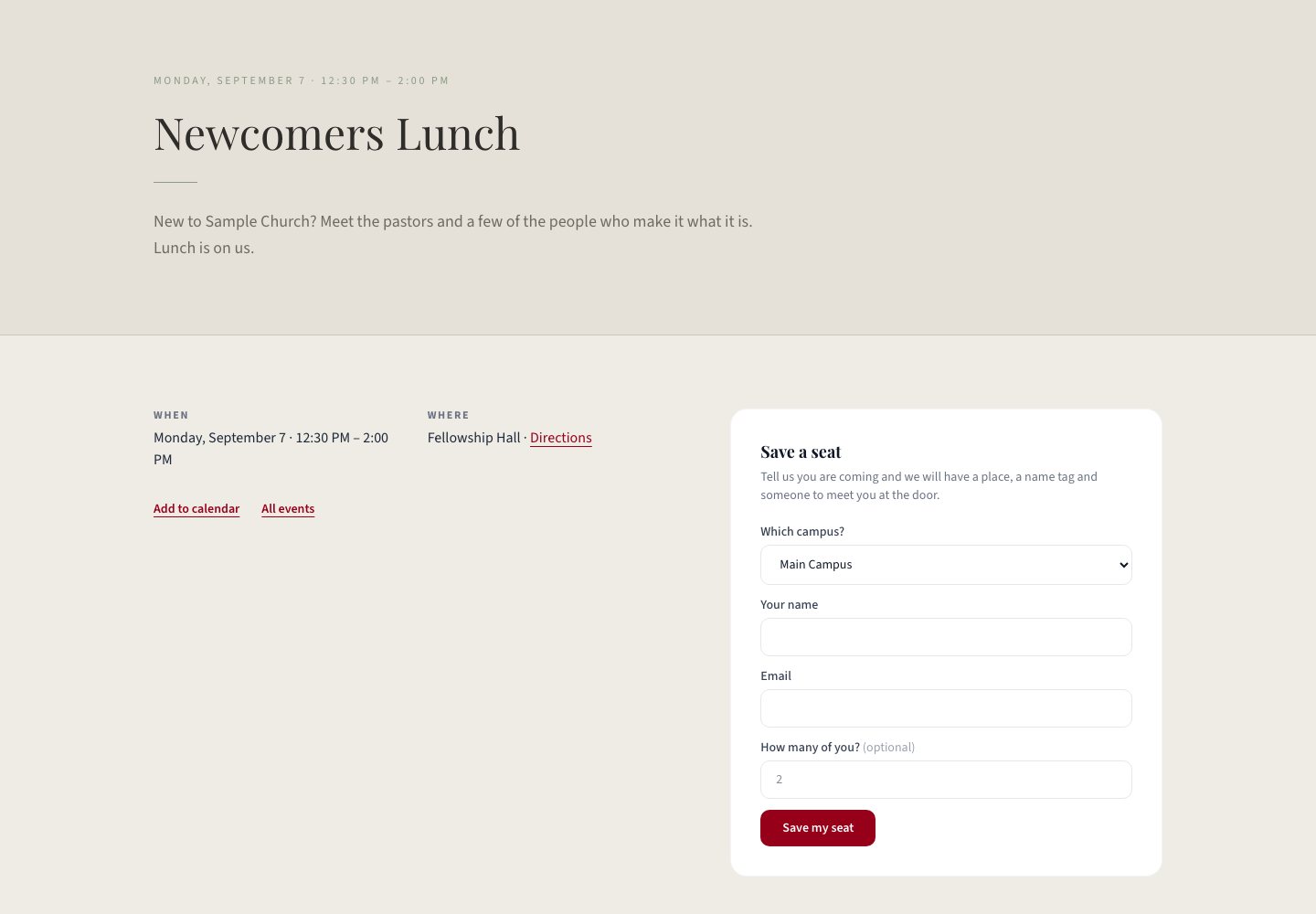
The Newcomers Lunch event page on a church website: date and time, where it meets with a directions link, add-to-calendar, and a Save a seat form
On your websiteThe event's own pageWhen, where, directions, add-to-calendar — and "Save a seat", which lands in the inbox.
02 · Sermon Notes → Live notesPlant plan

Sermon notes on every phone, revealed as the message goes

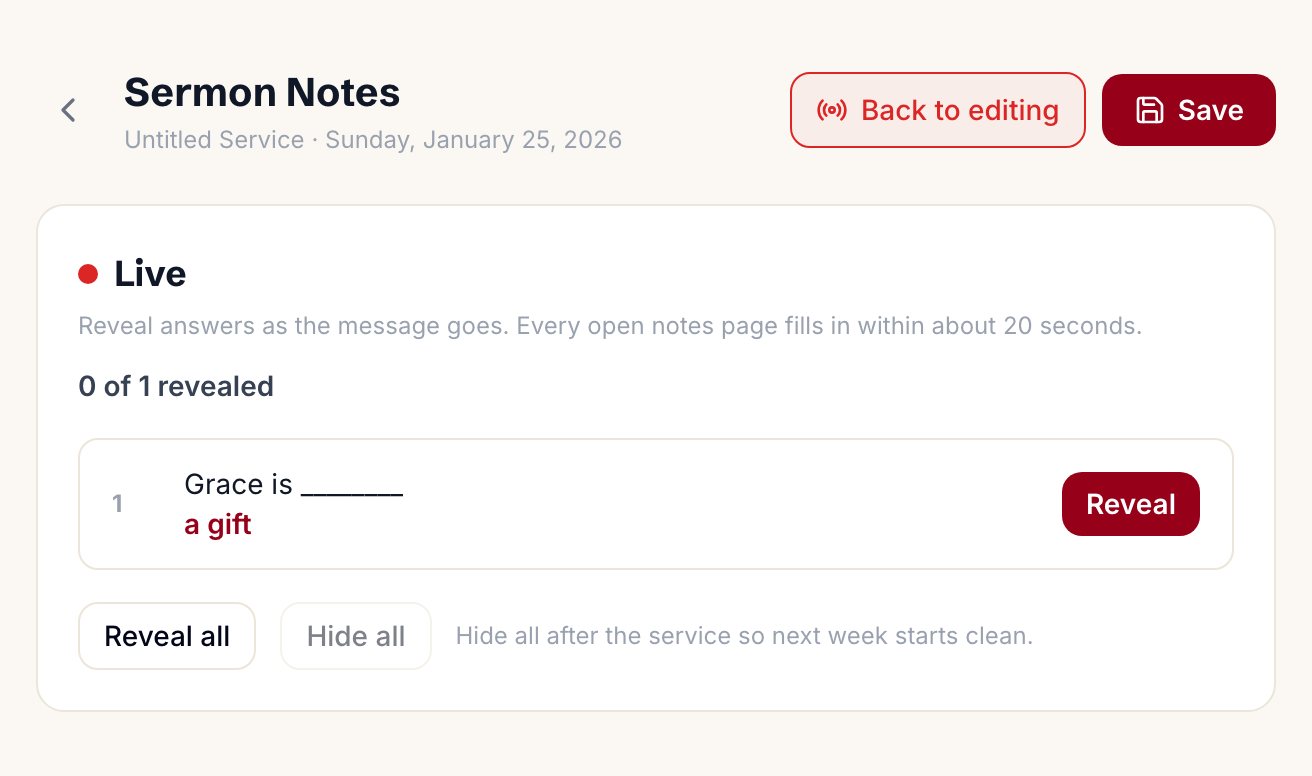
Write the outline from the sermon plan — headings, scripture, blanks, a prompt to write under. Visitors open it from the message page and type into it on their phone; it saves as they type. During the message, tap Reveal on the Live tab and the answer appears in that blank on every open phone within about twenty seconds.

The Sermon Notes editor in Ministry Planner with the Live panel open: a blank reading "Grace is ____" with its answer and a Reveal button, plus Reveal all and Hide all
In Ministry PlannerWebsite → Sermon Notes, the Live tabOne Reveal per blank, or reveal all. Hide all after the service so next week starts clean.
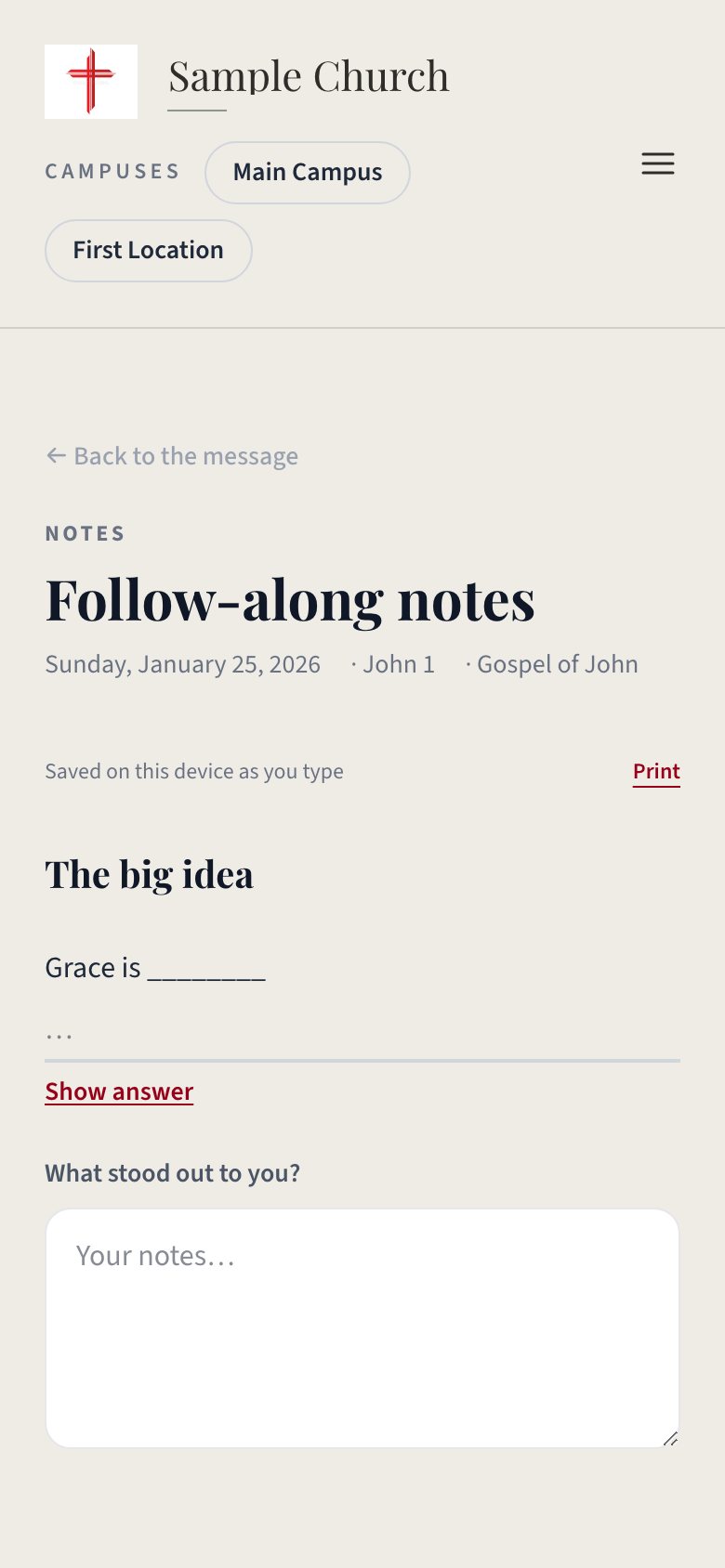
A church website's follow-along sermon notes on a phone: the message title and passage, a blank to fill in with a Show answer link, and a box for the visitor's own notes
On your websiteThe notes page, on a phoneA line for every blank and a box under every prompt, saved on the device as they type. Print it if they would rather.
03 · Giving → Funds → Campaign pageFree

Set a goal on a fund, and the site starts a campaign

Type a goal beside a fund in Giving and two things happen on the website. The give page shows a progress bar inside that fund, and the fund gets a campaign page of its own: the story, the total so far, a Give button that preselects the fund, and a pledge form that lands in the inbox.

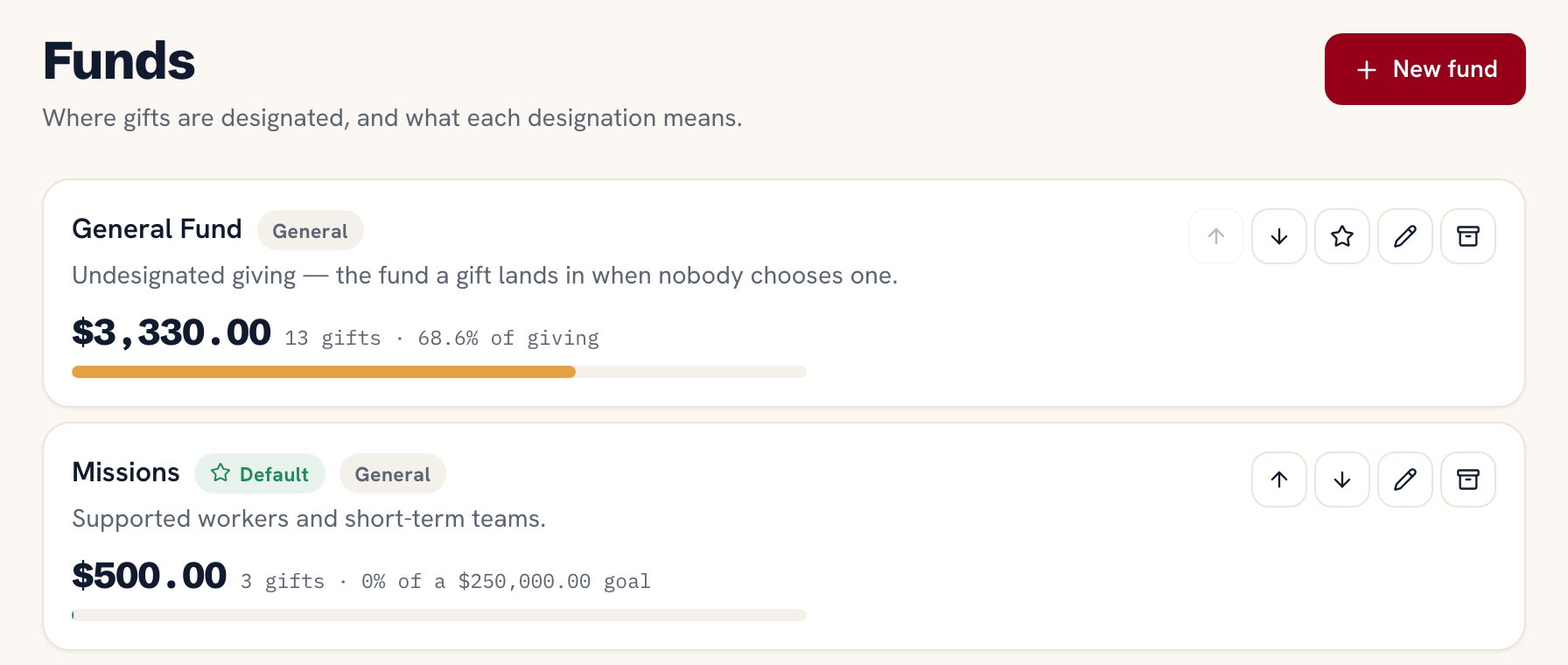
The Funds screen in Ministry Planner: the General Fund with its total and share of giving, and the Missions fund with $500 raised, 0% of a $250,000 goal
In Ministry PlannerGiving → FundsEvery fund with its total for the year. The Missions fund carries a goal, so its bar measures against it.
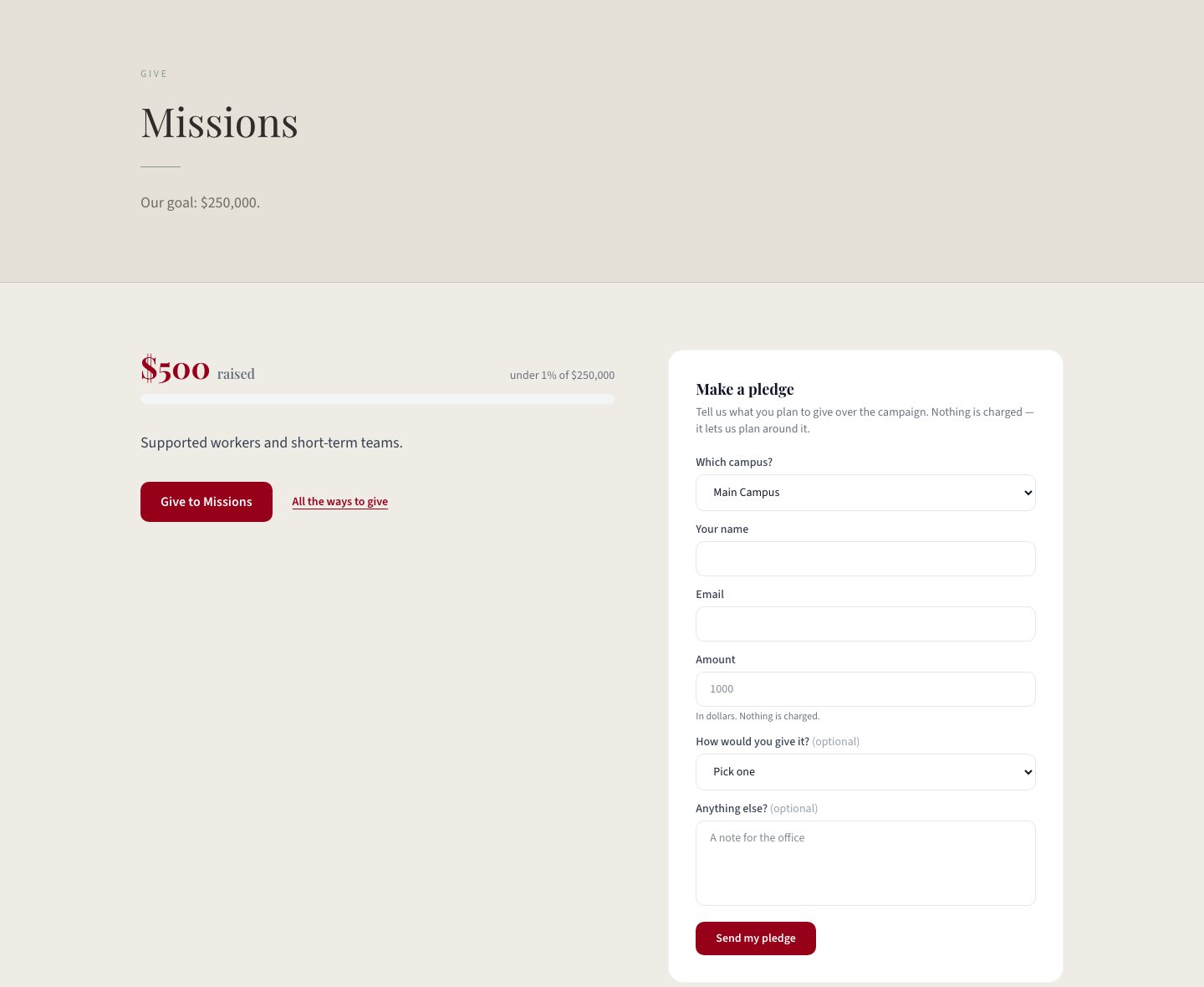
The Missions campaign page on a church website: the goal, $500 raised with a progress bar, a Give to Missions button and a Make a pledge form
On your websiteThe campaign pageRaised so far against the goal, Give to Missions, and Make a pledge.
And the rest
TeamsThe Ministries page, a page per public ministry, Kids and Students at their own addresses, and the Serve page with what each team needs help withFree
StaffThe Staff page — names, roles and photos, from the people you pick in Website → StaffFree
Site SettingsService times and your address on Plan a Visit, in every footer and on the first screenFree
Every form on the siteWebsite → Inbox, plus an email to your contact address — contact, visit, prayer, serve, RSVP, pledge, baptism, facilityFree
Series PlannerMessages: every public sermon as a player page with share and previous/next, the latest one on Watch, and the podcast feedPlant plan
Service Planner and Teaching CalendarA Notes link on every Sunday, straight into that message's sermon notesPlant plan
GroupsThe Groups directory with filters, a map and a note to the leaderPlant plan
CampusesOne site with a page per campus — campus-aware service times, events and staffMultiply plan

The website is free and stays free. It is not a trial. The Plant plan, $9.99 a month for your whole church, adds the tools that fill in the Messages, sermon notes, Events and Groups pages — the Series Planner, the Church Calendar and Groups — because those are paid parts of Ministry Planner. A page per campus is on the Multiply plan.

See pricing →

Questions before you dive in

Is the church website really free?

Yes. Seriously. It is free on every plan, not just until your church grows. There is no credit card and no trial that runs out. We would rather every church have a working website with a Give button than charge a small church for one.

What web address does our site get?

Your church gets its own web address, for example gracechurch.ministryplanner.church, as soon as you finish setting up. You can print it in a bulletin or put it on a sign. Want the site at gracechurch.org instead? Two steps. You buy the domain, or use one you already own. Then point the DNS to us: go to Website → Web address, type the domain in, and add the one record we show you where you bought it. It usually takes effect within the hour. This is free on every plan.

How is this different from Wix or Squarespace?

Those tools let you design any page you like, and ours does not. The difference is where the information comes from. On Wix or Squarespace, your service times, staff list and events are a second copy that someone has to remember to update, and sooner or later they are wrong. Here the website reads from the same place your staff already keep that information, so running the church is what keeps the site correct.

Do we need someone technical?

No. There is nothing to design and nothing to install. You answer a few questions and pick one of ten templates. Church office staff usually finish it faster than anyone.

What happens to what visitors send us?

Every form on the site — I'm coming Sunday, a prayer request, I'd like to serve, an RSVP, a pledge, a question for the kids team — lands in Website → Inbox and is emailed to your contact address. Prayer requests are private to your pastors unless the person ticks that they can be shared. You mark each one done, and can export the list as a spreadsheet whenever you like.

Can we put our sermons, events and groups on it?

Yes, on the Plant plan. Messages and sermon notes fill in from the Series Planner, Events from the Church Calendar, and Groups from Groups, and those are paid parts of Ministry Planner. The free plan has everything else: the pages, Plan a Visit, Watch with your livestream, Next Steps, prayer, serve, News, giving and the inbox. The free plan also includes one team, so one ministry page; Plant has three.

We already use your free event planner. Do our events show up?

Yes. The website builder is open to every free account, whichever tool you signed up for, and any event you mark "Show on website" in the event planner gets its own page on the site, with registration.

What happens to our site if we stop paying?

It stays up. The website is free on every plan, so going back to the free plan does not take it down. The Messages, Events and Groups pages would go away, because they come from paid features. Everything else stays, including the giving page and the inbox.

Give your church a website.

Answer a few questions, pick a template, and publish — on your own web address if you have one. Yes, it's really free.