
01 · Your groupsFree
Every group, who leads it, and when it meets.
One page for all of your groups instead of a spreadsheet only one person updates. See each group's leaders, members and schedule, and which groups are full or still have room.
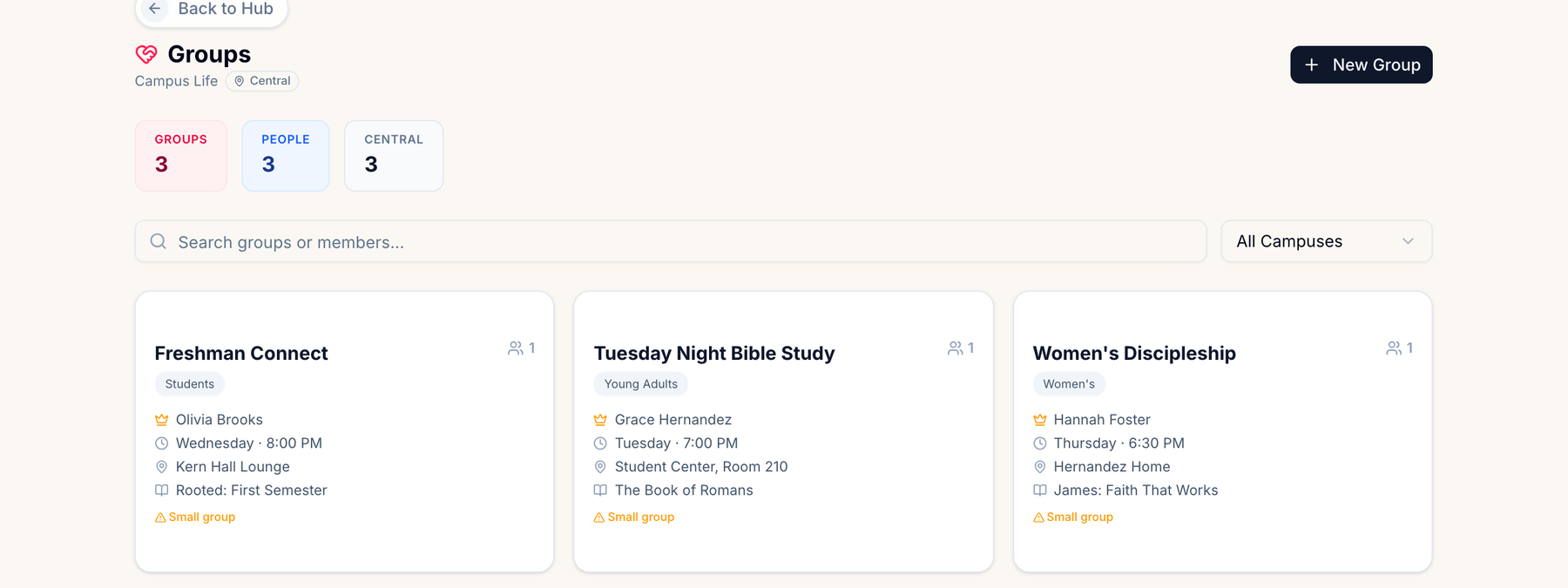
Every group with its leaders, members and meeting time in one place. After each meeting, leaders tap a link in their email, check off who came, and they're done — no login, no app. Free for up to 20 groups.
Add your groups. Name each group, when and where it meets, and who leads it. Add members now or let leaders do it later.
Leaders record attendance. The morning after a group meets, its leaders can get an email with a link. They tick who came, add guests, or mark that the group didn't meet. It takes a minute.
See who's connected. Each group builds a weekly attendance chart, and you can see which groups are full, which haven't reported, and who's been missing.
This is the real feature from the Ministry Planner workspace — not a trimmed-down demo.
One page for all of your groups instead of a spreadsheet only one person updates. See each group's leaders, members and schedule, and which groups are full or still have room.
Leaders don't need an account. The reminder email carries a link that opens just that meeting — tick names, add guests, save. If they get it wrong, they open the link again and fix it.
On the paid plans, Group Analytics maps where your groups meet and trends attendance across all of them, and groups can sync from Church Community Builder. The groups and attendance you kept on the free plan are already in it.
Nothing to buy, nothing expires.
Group Analytics, CCB group import, and more than 20 groups live in the paid plans — from $49/mo for the whole church. Your groups and attendance history come with you; nothing to migrate.
See pricing →Yes. No credit card and no trial clock. Up to 20 groups and 500 people, with weekly attendance, leader reminders and the no-login attendance link included.
No. When reminders are on, each leader gets an email the morning after their group meets with a link that records attendance for that one meeting. The link doesn't sign them in to anything else, and it stops working after 7 days. Leaders who do have an account can record attendance from the group's page too.
Leaders tap “We didn’t meet”. That week is left out of the attendance figures instead of counting as nobody showing up.
No. You turn them on in Settings → Automations. You can also send a one-off reminder to the leaders of any group that hasn't reported.
Every group that isn't archived. Archive a group that has stopped meeting and its spot opens up; its attendance history stays.
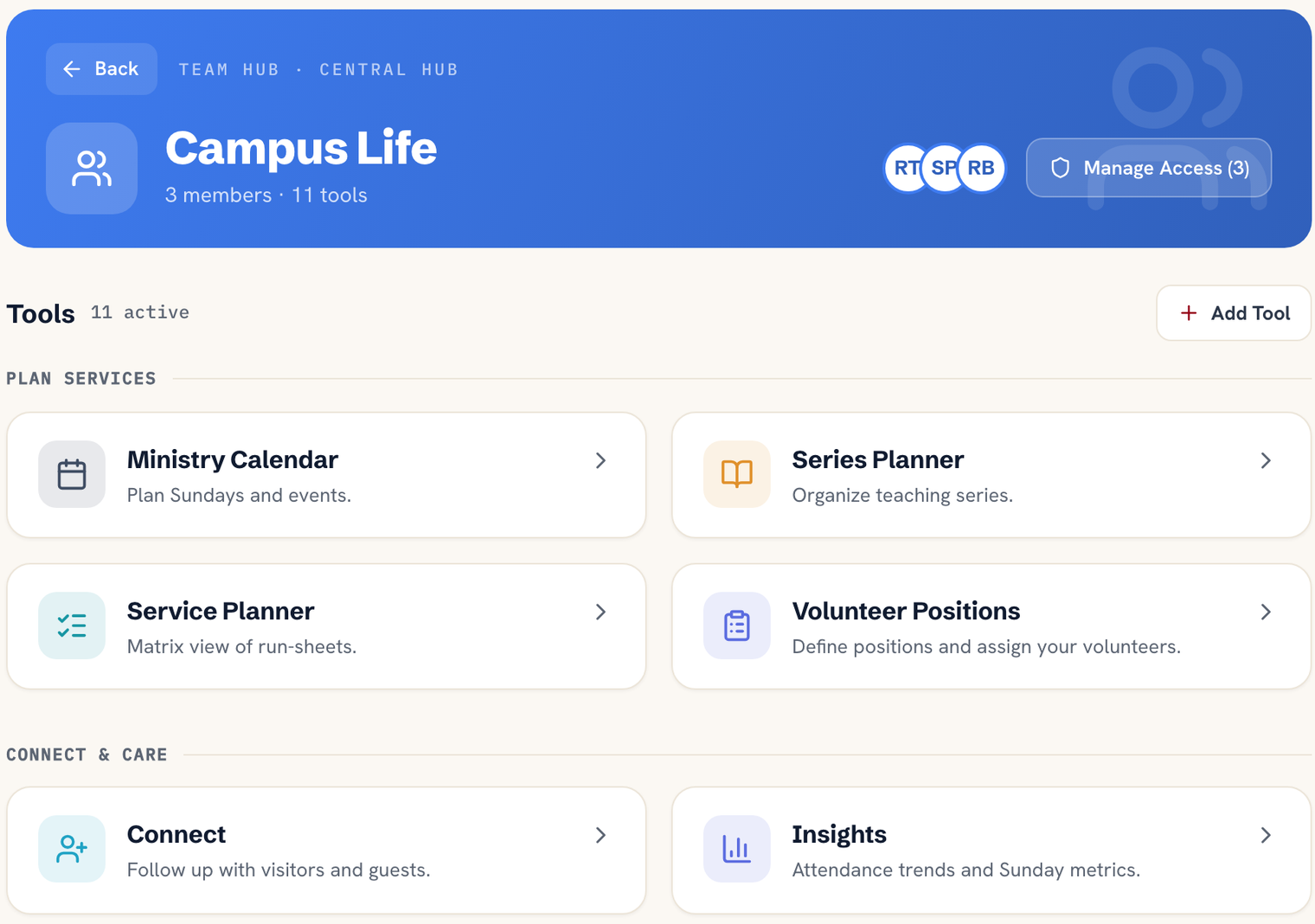
Group Analytics, importing groups from Church Community Builder, more than 20 groups, and the rest of the workspace — scheduling, service planning, team hubs and more. Your groups carry over as they are.
Set up in a few minutes — add your groups and leaders, and turn on reminders before they next meet.